
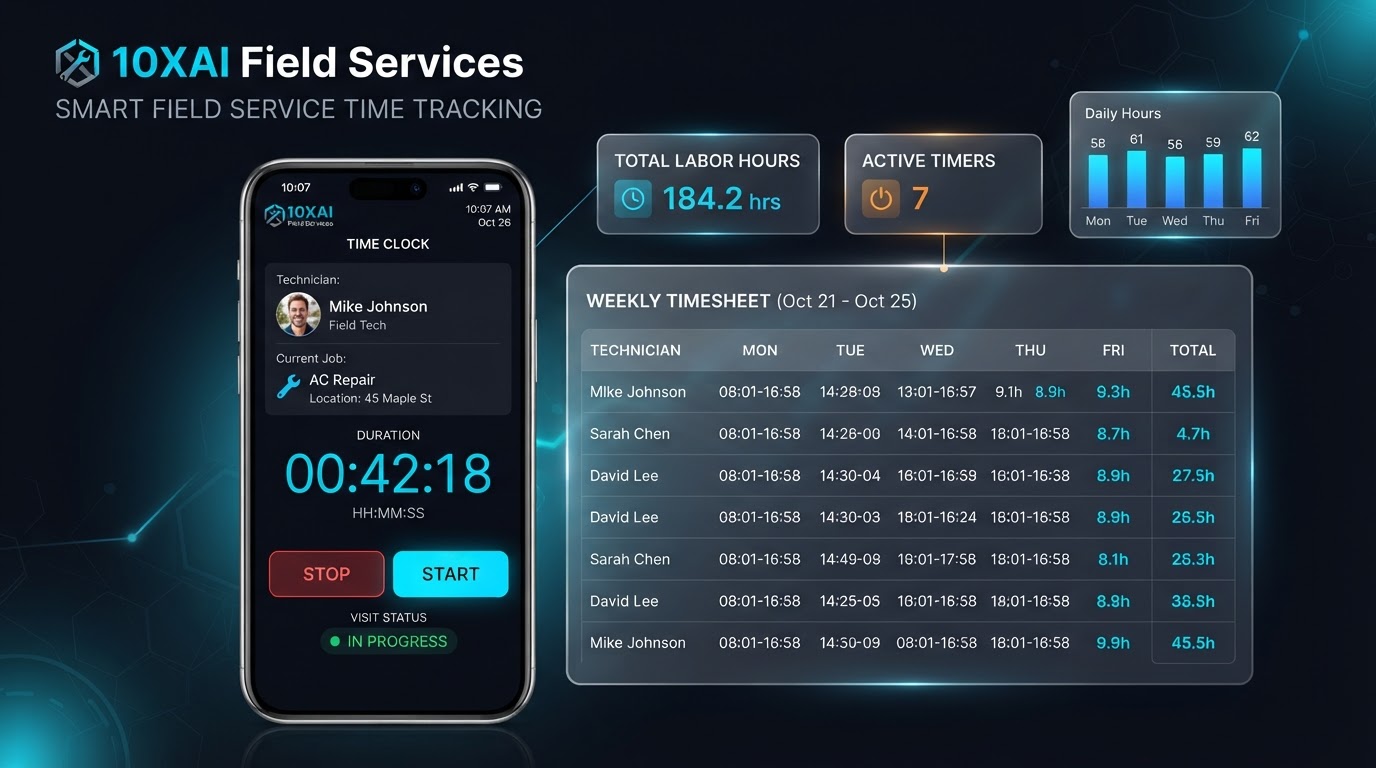
Stop guessing where the hours go. Start tracking the work.
Every Technician. Every Service Visit. Every Minute Accounted For.
Your technicians are busy completing service calls, making repairs, and traveling between customers. But do you really know how long each job takes? 10XAI Field Services helps technicians clock in and out of assigned visits, record time spent on jobs, and keep labor information connected with the work being performed. Less handwritten paperwork. Better labor visibility. More organized field operations.
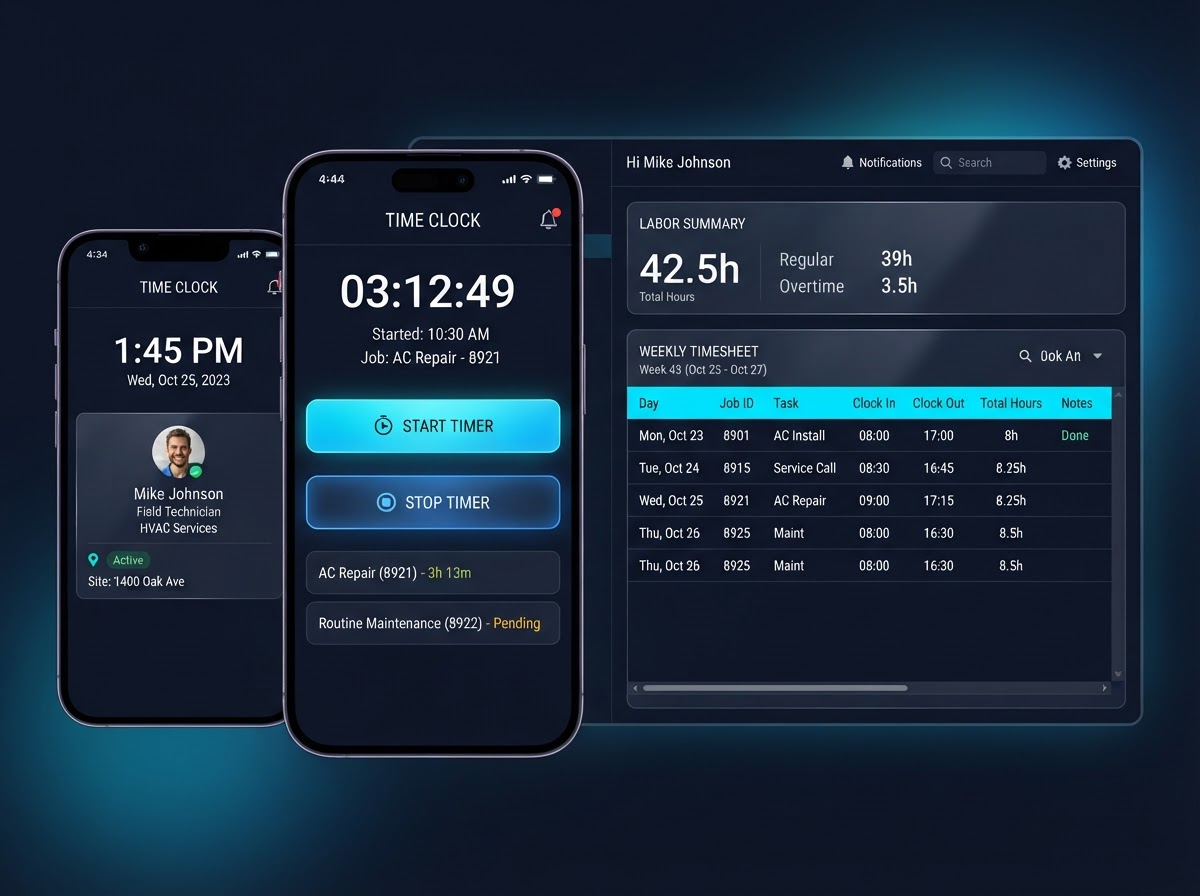
See how a technician can track an entire service visit from their phone.
Select a technician and visit, start the timer, stop it, add manual entries, and watch the labor totals update. This is a self-contained local demonstration — no real employee records are created.
Current Session
00:00:00
Mike Johnson · AC Repair
All Time Entries — VISIT-01
Sarah JohnsonMike Johnson
Timer9:30 PM → 11:30 PM
On-Site Service
02:00:00
2.0h
Sarah Williams
Timer2:00 PM → 4:00 PM
On-Site Service
02:00:00
2.0h
Imagine tracking every service visit this way — without the paperwork headache.
Book a Free DemoOne job. Multiple technicians. Everyone's time tracked separately.
Visit
VISIT-01 · HVAC Installation
ABC Property Mgmt · 88 Industrial Pkwy
Mike Johnson
HVAC Technician
2.0h
Sarah Williams
Plumbing Technician
2.0h
Combined Labor Time
4.0 labor-hours
Combined labor is the sum of each technician's recorded session — not just the longest individual session. The visit could span 2 hours on the clock, with 3.5 labor-hours of combined employee time.
Keep labor time connected to the customer job.
A job may contain multiple visits; each visit may have several technicians; each technician may record several sessions. Job-level rollups shown here are a demonstration calculation.
See how much time your team spends on customer work.
Total Recorded Labor Hours
7.5h
all technicians
Technicians with Entries
3
active today
Active Timers
0
running now
Entries Needing Review
1
proposed approval queue
Sarah Williams
VISIT-01 · Timer
02:00:00
David Wilson
VISIT-03 · Timer
02:00:00
Mike Johnson
VISIT-01 · Timer
02:00:00
David Wilson
VISIT-03 · Timer
01:30:00
Audit History
Make time corrections without losing the history. Every authorized manual change is recorded.
9:00 AM → 9:15 AM
Edited by Operations Manager · Technician arrived at 9:15 per job log
Understand how much time goes into each service job.
A proposed way to categorize recorded time — travel, on-site service, waiting on parts, administrative work, and breaks. These are custom analytics categories, not verified native Field Services timer classifications, and require additional configuration or a supported integration.
Sample Day Breakdown
Total Compensable Work
7.0h
Payable to the employee
Customer-Billable Time
5.0h
On-site service only
Location-Aware Clock-In Validation
When a technician clocks in, an authorized mobile integration may obtain location information with appropriate permission. The system compares that location with the job-site geofence. If inside the configured radius, the clock-in can be marked location-verified. If outside, the record may be flagged for manager review. If GPS is unavailable, retain reported work time and identify verification as unavailable.
- Do not silently reject compensable time.
- Do not collect continuous location histories unless justified, disclosed, and authorized.
- GPS is not included in native timesheets.
Distance: 0.2 mi
Clock-in: Verified
From Technician Time Records to More Organized Payroll Review
Employee ID
EMP-0142
Pay Period
Nov 1–15, 2026
Regular Hours
68.0h
Overtime Hours
4.0h
Travel Time
5.0h
Other Compensable
1.0h
Corrections
1
Export Status
Not configured
How much is each service job really costing in labor?
Actual Labor Hours
4.0h
Estimated Labor Hours
3.0h
Loaded Hourly Cost
$42.00/hr
$35 wage + 20% burden
Estimated Labor Cost
$126.00
Actual Modeled Labor Cost
$168.00
Labor Variance
+$42.00
+1.0h · +33.3%
Catch labor issues before they become payroll problems.
A proposed set of rule-based controls — open timers, overlapping sessions, missing clock-outs, manual corrections, and overtime exposure. These require verified data access or separately implemented workflows, and are not native approval features.
Open Timer Beyond Expected Duration
TE-1003 · Sarah · 1h 30m running
Missing Clock-Out
TE-1007 · Chris · started 3:00 PM, no clock-out
Manual Correction
TE-1002 · start time adjusted by manager
Possible Overtime Exposure
David · 44h this week (projected)
Unreviewed Time Entry
TE-1003 · awaiting manager review
Accurate recordkeeping, built around how labor actually works.
Four things to keep distinct
Visit labor time
Time recorded against a specific service visit.
Total employee work time
All hours an employee worked across the day or week.
Payroll-compensable time
Hours that must be paid under applicable wage rules.
Customer-billable hours
Hours you may charge the customer — often only on-site service.
Safeguards
- Wage-and-hour calculations depend on applicable federal, state, local, and contractual rules.
- Do not assume all travel is unpaid.
- Do not automatically deduct meal periods without confirming the period was genuinely nonworking.
- Do not automatically round away worked minutes.
- Do not exclude overtime because an employee worked on multiple jobs.
- Keep raw entries and corrections auditable.
This section provides operational guidance, not legal advice. Where external payroll capabilities are implemented, validate daily and weekly hours and applicable overtime rules.
Give your technicians a better way to track the work.
Visit-Based Timers
Clock in and out of assigned service visits.
Per-Technician Tracking
Each technician's time is tracked separately on the same visit.
Organized Timesheets
Review recorded labor by technician, job, and visit.
Audit History
Authorized corrections keep a full record of changes.
Mobile Clock-In
Start and stop timers from the field, not the office.
Manual Entries
Add or correct historical time when needed.
Labor Summaries
See visit, technician, and team totals at a glance.
Connected Field Ops
Labor time stays linked to the customer job.
What better time visibility could mean for your business.
Example One — Administrative Capacity
Five technicians save five minutes per visit when recording and reviewing work details. At four visits per day and five workdays per week, this represents approximately 36.1 hours of possible monthly administrative capacity.
Example Two — Combined Labor
Two technicians spend two hours each on a service visit. Combined labor input is four labor-hours — the sum of each technician's time, not the visit's elapsed duration.
Example Three — Labor Variance
An estimated three-hour job takes four recorded labor-hours. Labor variance is plus one hour, or approximately 33.3% above the estimate.
Illustrative business scenarios — not customer performance data.
Built for the trades that track time in the field.
HVAC Companies
AC Repair — JOB-1042
Track repair visits, diagnostics, maintenance calls, and multiple technician installations.
Illustrative metric: Sample visit: 2.0 hrs
Book a DemoPlumbing Companies
Water Heater Installation — JOB-1043
Track emergency calls, water heater installations, drain repairs, and return visits.
Illustrative metric: Sample visit: 3.5 labor-hrs
Book a DemoElectrical Contractors
Electrical Inspection — JOB-1044
Track troubleshooting, electrical inspections, panel upgrades, and multi-person service work.
Illustrative metric: Sample visit: 3.5 labor-hrs
Book a DemoRoofing Contractors
Roof Repair — JOB-1046
Track roof inspections, repair visits, multi-day installations, and crew labor-hours.
Illustrative metric: Sample crew: 16 labor-hrs
Book a DemoIllustrative business scenarios — not customer performance data.
Common questions about tracking technician time.
Still have questions about how time tracking could work for your business?
Book a Free DemoYour technicians are putting in the hours. Make sure you know where they go.
Smarter Time Tracking. Better Labor Visibility. More Organized Service Operations.
10XAI Field Services helps technicians track time against customer visits and gives business owners better visibility into recorded labor hours. From a simple mobile timer to organized service timesheets, it's another way to help keep your field business connected.